


GemBet Help Manual: Troubleshooting KYC Verification and Login Resets Instantly
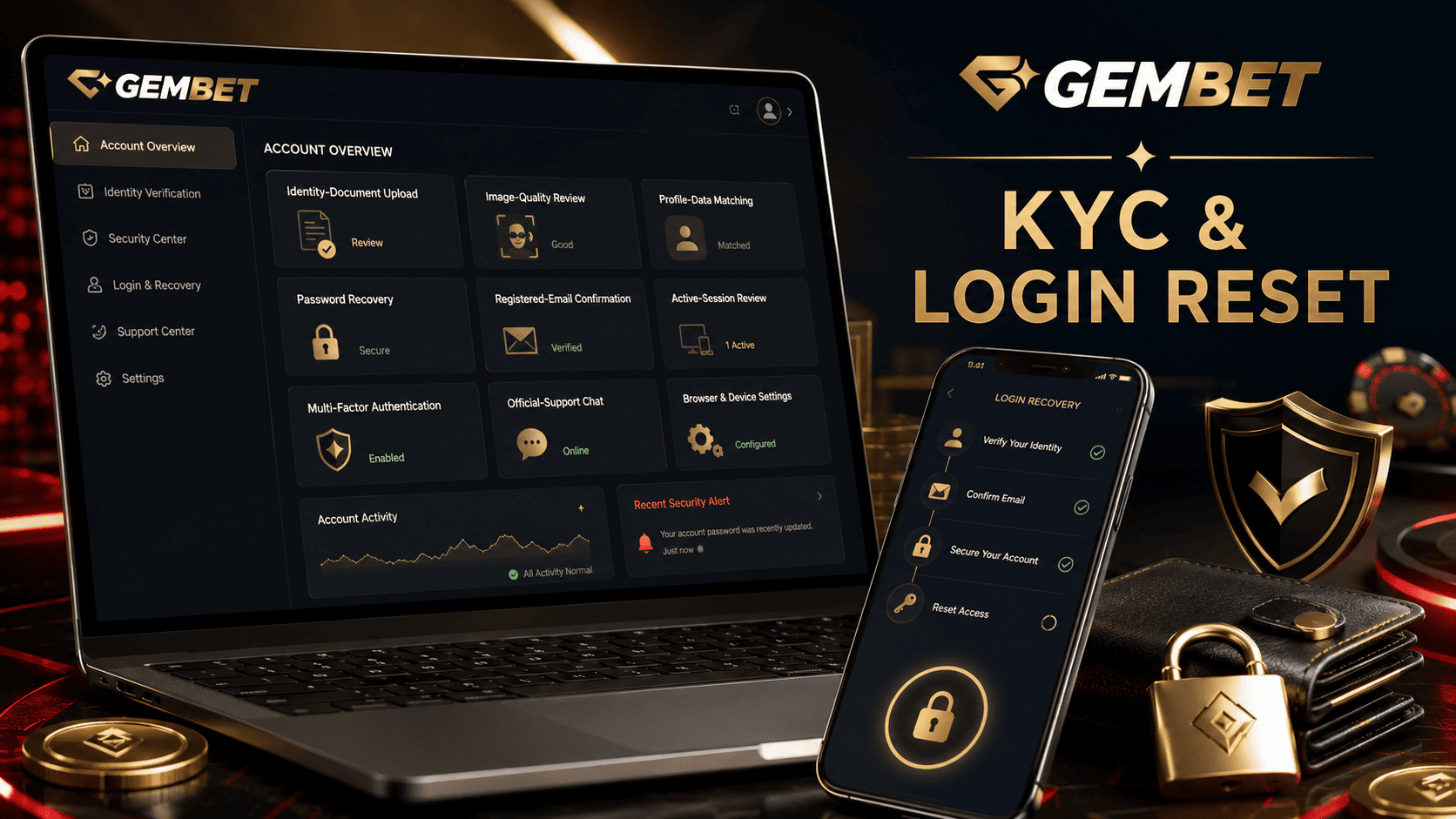
A locked account or rejected identity upload can interrupt access when you expect to review a balance, update a payment method, or request a withdrawal. The fastest Gembet help process is not repeated guessing or uploading the same file several times. It is a controlled sequence that identifies whether the problem comes from credentials, document quality, profile data, browser state, or a manual security review.
This Gembet help manual covers KYC verification, password recovery, reset loops, blank pages, and connection warnings without promising instant approval. Some problems can be fixed through self-service. Identity mismatches, payment ownership questions, suspected fraud, and enhanced checks may require official support.
GemBet’s published KYC policy says verification may be requested in situations involving suspected fraud, money laundering, or criminal activity. Its AML policy also describes checks intended to confirm registered information and payment-instrument ownership.
Gembet Help Troubleshooting at a Glance
| Problem | Best First Action | When Support Is Needed |
| Document rejected | Compare the file with the account details and upload rules | The correct file is repeatedly rejected |
| Password not accepted | Stop guessing and request one official reset | The registered email is inaccessible |
| Reset link loops | Use the newest message and reset only affected site data | The official link repeatedly fails |
| Blank or unavailable page | Check the official address, browser, and normal connection | The service reports a regional or account restriction |
| Withdrawal held | Read the notice and gather only requested evidence | Ownership or payment details require review |
1. Understand What KYC Verification Is Checking
KYC means Know Your Customer. It is used to establish identity, understand customer activity, assess risk, and help prevent fraud and financial crime. Exact checks vary by company, jurisdiction, account history, and transaction risk.
For an online account, KYC verification may compare the registered name, birth date, address, identity evidence, payment ownership, and recent activity. Do not assume every Gembet Singapore user must provide the same documents or complete the same KYC verification steps.
A Gembet help request should begin with the exact notice. It may ask for identity evidence, proof of address, payment ownership, a fresh selfie, or clarification of account information. Upload only what the verified portal requests.
2. Fix Common KYC Verification Document Problems
Document failures usually involve image quality or data matching. Repeating an upload without identifying the cause can delay KYC verification.
Image-Quality Checklist
- Use a current, accepted document rather than an expired copy.
- Place it on a flat surface with even lighting.
- Keep all required edges visible and avoid flash glare.
- Make sure every requested detail is readable at normal zoom.
- Upload the original photograph or scan, not a screenshot of another screen.
- Follow the file format and size shown in the portal.
Common identity evidence can include a passport, national identity card, residence document, utility bill, or bank statement, but the exact list depends on the country, customer type, and risk level.
Data-Matching Checklist
- The legal name and birth date should match the profile.
- The address should match when address evidence is requested.
- The payment method should belong to the registered user when ownership is checked.
- Do not digitally alter, sharpen, cover, or replace document fields.
If a legal name or address changed, do not edit the image. Use Gembet help to ask how to update the profile and which supporting record is accepted.
3. Use a Clean KYC Verification Upload Workflow
- Open the verified account. Avoid links from unsolicited messages.
- Read the rejection reason. Record whether it mentions blur, cropping, expiry, mismatch, or unsupported files.
- Correct the stated problem. Take a new image instead of resubmitting the same file.
- Review the preview. Confirm that details remain visible after upload.
- Submit once. Wait for the displayed KYC verification status.
- Save the reference. Record the submission time and case number.
Do not send identity records through social media or an address copied from a forum. GemBet’s privacy policy states that personal information may be used for verification checks and online transactions, so use a verified channel associated with the account.
4. Know When Manual KYC Verification Is Required
Image corrections cannot resolve every KYC verification hold. Manual review may be necessary when the profile and document differ, a payment method appears to belong to another person, transaction activity triggers extra due diligence, or the registered contact method is no longer accessible.
Do not create a second account to avoid the review. Send one complete Gembet help case with the exact error, account username, submission time, document type, and a screenshot that hides unnecessary personal data.
5. Handle Login Resets Without Creating Confusion
Login resets should begin only after confirming the username or email. Stop entering passwords when repeated attempts fail because continued guessing may trigger additional security controls.
- Open the official Gembet Singapore login page.
- Select the password-recovery option once.
- Check the registered inbox, spam, and promotions folders.
- Use the newest recovery message you requested.
- Confirm the account name and destination before continuing.
- Create a long, unique password that is not reused elsewhere.
- Store it in a reputable password manager.
CISA recommends strong, unique passwords and a password manager. NIST also favors longer passwords or passphrases over predictable complexity patterns.
After successful login resets, review the registered email, phone number, active sessions, payment details, and recent transactions. If anything changed without permission, stop financial activity and contact Gembet help.
6. Fix a Password Reset Loop in the Right Order
Clearing the complete browser history should not be the first action. It can remove cookies, saved website data, permissions, and login information. Apple confirms that clearing Safari website data removes information websites use to remember sign-ins.
| Step | Action |
| 1 | Close duplicate reset tabs |
| 2 | Request one new recovery message |
| 3 | Open the newest message in the same browser |
| 4 | Restart the browser or device |
| 5 | Remove only the affected website data |
| 6 | Open a Gembet help case if the link still fails |
Do not share a reset code, one-time link, or new password with anyone claiming to be support. NIST treats one-time passwords and out-of-band secrets as authentication factors controlled by the user.
7. Troubleshoot Missing Reset Emails
- Confirm that the masked destination matches the registered email.
- Search the inbox and check spam, junk, and promotions folders.
- Wait for the platform’s stated delivery period before requesting another message.
- Do not allow a third party to access the registered inbox.
If the registered email is inaccessible, repeated password recovery attempts will not solve the problem. Gembet help may need to verify ownership before changing the contact method.
8. Separate Blank Pages From Regional Errors
A blank page can result from an outdated browser, blocked cookies, temporary service trouble, or corrupted site data. A regional restriction is different and should not be bypassed.
- Confirm the Gembet Singapore website address.
- Update the browser and operating system.
- Restart the browser and device.
- Test the normal connection without a VPN or proxy.
- Use Gembet help if only the account page remains unavailable.
Do not switch DNS services or use a VPN to defeat a territorial block. Singapore’s Gambling Regulatory Authority states that Singapore Pools is the only operator licensed by GRA to provide remote gambling services and that participating in unlicensed remote gambling is an offense.
9. Protect the Account After Access Is Restored
- Change any reused password on other affected accounts.
- Enable multi-factor authentication when available.
- Remove unknown sessions or devices.
- Review payment methods and pending withdrawals.
CISA recommends multi-factor authentication because it adds protection beyond a password.
If the issue appeared while trying to clear sports bonus requirements, resolve the account and KYC verification status before placing more wagers. A promotional deadline is not a reason to bypass a security review.
Gembet Help KYC and Login Checklist
- Are you using the verified Gembet Singapore address?
- Does the legal name match the account?
- Is the document current, readable, and fully visible?
- Was only the requested evidence submitted?
- Did you record the exact rejection reason?
- Have you requested only one password reset?
- Are you using the newest recovery message?
- Have you protected one-time codes and links?
- Have you reviewed account activity after recovery?
- Have you stopped rather than bypassing a regional restriction?
Common Troubleshooting Mistakes
Assuming Every Rejection Is an Automated Error
A file can fail because of image quality, profile mismatch, unsupported evidence, payment ownership, or a manual risk review.
Uploading More Documents Than Requested
Extra records expose more personal data and may not address the actual KYC verification problem.
Requesting Several Password Links
Multiple login resets create unnecessary confusion. Use one controlled request and the newest official message.
Clearing the Entire Browser Immediately
Start with a restart or site-specific removal because a full wipe can remove useful sessions and permissions.
Best Way to Use This Gembet Help Manual
The best Gembet help process separates identity, login, browser, and regional problems before taking action. For KYC verification, correct document quality and profile mismatches, submit only through the verified portal, and wait for the displayed review result.
For password recovery, stop guessing, request one message, use a unique password, and review activity after access returns. Clear site data only when the loop continues, and never share recovery secrets. Use Gembet help only through the verified account or published support route.
Gembet Singapore access cannot be guaranteed instantly. When a manual KYC verification review, inaccessible email, unknown payment method, or territorial restriction is involved, stop repeated attempts and use official support. The objective is to restore control without exposing identity records, credentials, or funds.
Experience the real deal with SG's top Live Dealers. Play Baccarat, Roulette & more.

