


GemBet SG Fast Deposits: How to Solve Failed PayNow & Bank Transfers
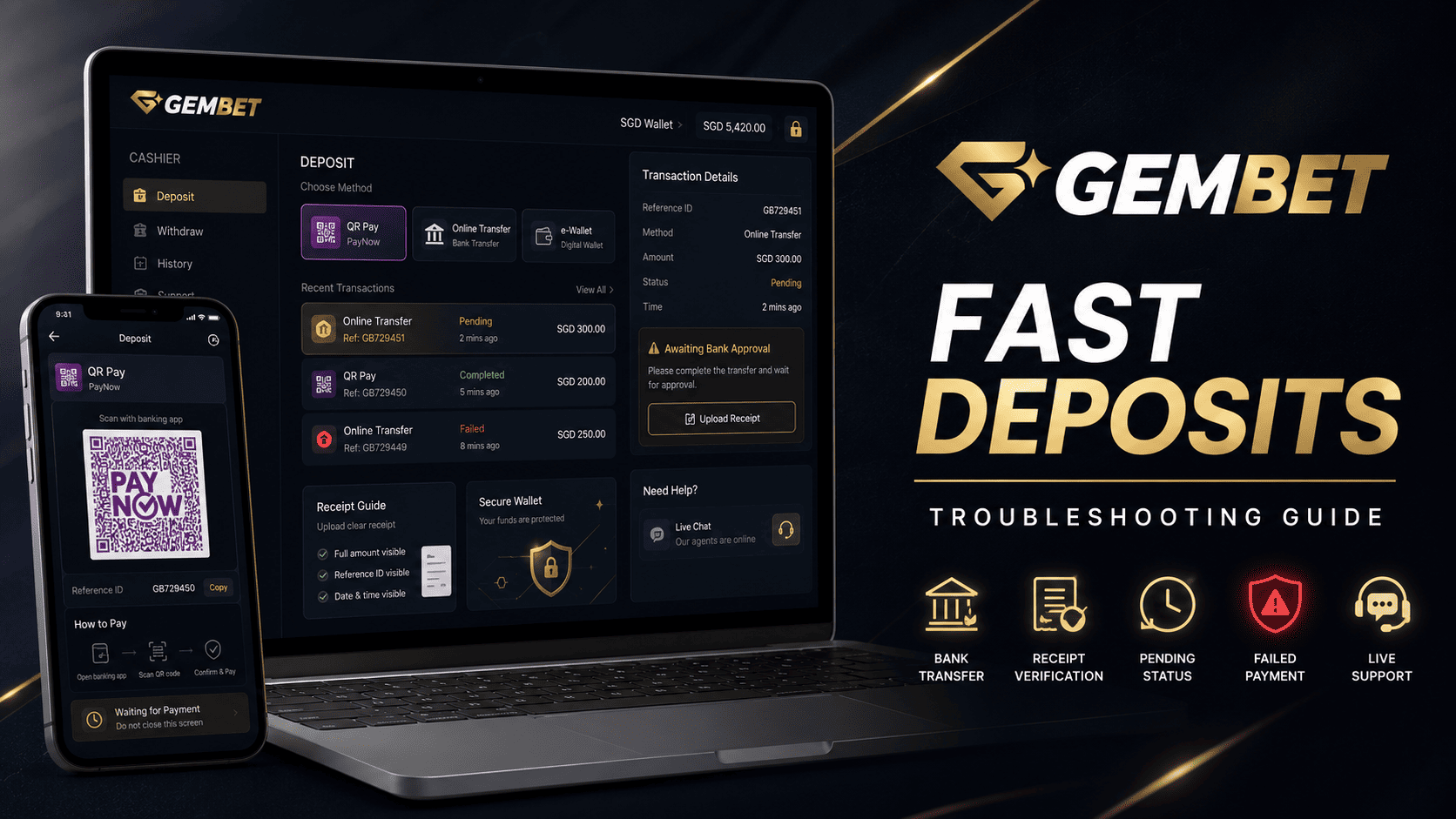
A failed payment can interrupt a planned session, but sending the same transaction twice can create a bigger problem. The safest GemBet SG response is to stop, confirm whether the bank deducted the money, review the cashier history, and collect the correct evidence before trying again.
Current GemBet SG help pages describe direct PayNow, PayNow QR through selected providers, and online bank transfers. The exact amount limits and steps vary by the method displayed in the account, so follow the active cashier rather than an old screenshot or unofficial guide.
These payment fixes can help identify a failed or pending deposit without promising instant credit. A bank may complete its side of the payment while the provider still needs time to match the transaction to the correct wallet.
GemBet SG Payment Troubleshooting at a Glance
| Problem | First Check | Next Action |
| QR code will not scan | Check whether the code is current and fully visible | Create one fresh cashier request |
| Bank shows no deduction | Review balance and transaction status | Correct the bank-side issue before retrying |
| Bank shows completed | Check GemBet SG transaction history | Do not send a duplicate payment |
| Cashier remains pending | Record the provider, amount, and time | Wait for the stated processing period |
| Funds are still missing | Save the receipt and reference number | Open one official support case |
1. Confirm the Current GemBet SG Deposit Route
Do not assume every PayNow option uses a screenshot QR. The current direct PayNow guide instructs users to select PayNow, enter the amount, provide the full bank-account name on first use, copy the displayed payment details, complete the transfer, and then select Confirm & Deposit.
Other GemBet SG providers may use a QR code or redirect users to their selected bank. Paymori, DGPay, and TrustPay publish different instructions and minimum amounts, which is why the cashier screen should control the process.
- Confirm the currency and provider.
- Check the displayed minimum and maximum.
- Use only the details generated for the current request.
- Complete one transaction at a time.
2. Fix a PayNow QR That Will Not Scan
A QR can fail because it is cropped, blurry, covered by an overlay, or connected to an expired cashier session. Some GemBet SG providers specifically instruct users to scan the displayed code with the banking app and confirm the payment.
- Return to the cashier and create one fresh request.
- Keep the full code visible and increase screen brightness.
- Use the bank app’s Scan & Pay or image-upload feature.
- Verify the recipient and amount before approval.
- Confirm the final status in the banking app.
Do not assume every QR expires after three or five minutes unless the current screen gives that deadline. If the request has timed out, cancel it and start again rather than modifying an old payment.
3. Check the Amount and Account Details
The amount submitted through GemBet SG should match the amount approved in the bank when the on-screen instructions require an exact value. Do not round up, divide the payment into several parts, or make another deposit while the original request is unresolved.
Before confirming, review the SGD amount, recipient information, selected provider, and account name. Direct PayNow currently asks first-time users to enter the full name exactly as it appears on the bank account.
If the bank rejects the request, fix the bank-side problem first. If the bank displays completed, move to reconciliation instead of sending the funds again.
4. Troubleshoot Online Bank Transfers
Current GemBet SG provider guides describe bank transfers that redirect users to the selected bank, where they sign in and approve the transaction through an OTP or banking-app notification. This is different from manually copying a recipient account and entering a reference code.
Use these payment fixes for the exact failure:
- Redirect does not open: Use a full browser and allow the verified window.
- Bank login fails: Use the bank’s official recovery process.
- Approval expires: Return to GemBet SG and generate one new request.
- Bank confirms success: Save the receipt and wait for the wallet status.
FAST enables participating institutions to send Singapore-dollar funds between banks almost instantly. PayNow uses FAST and identifiers such as a mobile number, NRIC/FIN, UEN, or VPA. That speed does not guarantee that a merchant wallet posts the payment at the same moment.
5. Do Not Duplicate a Pending GemBet SG Payment
When the bank shows completed but GemBet SG still shows pending, do not place a second deposit. Duplicate payments can create two actual debits and make the investigation harder.
- Check whether the bank status is pending, failed, reversed, or completed.
- Open the GemBet SG cashier history.
- Record the amount, time, provider, and reference number.
- Wait for the provider’s published processing period.
- Contact support only after that period has passed.
Some current provider guides say payments are usually instant or may take approximately two to ten minutes. Use the timing for the selected provider rather than one universal promise.
6. Prepare a Complete Support Request
If the payment remains missing, send one support case with the GemBet SG username, provider, amount, date, time, bank reference, and a receipt showing the final status. Cover unrelated transactions and never share a password, PIN, or OTP.
The current Surepay guide asks users experiencing delays to provide a screenshot of the attempt and relevant transaction history. It does not promise an automatic or 30-second manual credit because the transaction still needs to be verified and matched.
7. Use These Payment Fixes Before Trying Again
- Use the official GemBet SG cashier and a current browser.
- Keep the generated details open until the bank confirms the payment.
- Save the receipt before closing the banking app.
- Check the provider status before creating another deposit.
- Avoid switching among several payment methods during one unresolved case.
Bank maintenance can delay bank transfers, but do not assume there is one fixed maintenance window covering every Singapore bank. Check the current notice from the bank before attempting the payment again.
GemBet SG Payment Fixes Checklist
- Is the selected provider currently available?
- Does the amount meet the displayed limit?
- Are the QR or recipient details from the current request?
- Did the bank show failed, pending, reversed, or completed?
- Have you avoided a duplicate payment?
- Has the stated processing period passed?
- Did you save the receipt and transaction reference?
- Does another payment fit your bankroll protection limit?
Common GemBet SG Payment Mistakes
Reusing Old Payment Details
Use the details shown in the active cashier session. Saved QR codes or recipient information may no longer match the request.
Assuming FAST Means Instant Wallet Credit
FAST and PayNow can move money quickly, but the platform or payment provider may still need to reconcile the transaction.
Expecting Guaranteed Manual Credit
A receipt supports the investigation, but it does not guarantee that support can update the balance immediately.
Legal Check Before Using GemBet SG
Technical payment access does not establish local authorization. Singapore’s Gambling Regulatory Authority states that Singapore Pools is the only operator licensed by GRA to provide remote gambling services and that participating in unlicensed remote gambling is an offense.
Best Way to Fix GemBet SG Payment Problems
The best GemBet SG approach is to identify the active provider, follow its current instructions, and submit one transaction. For QR problems, create a fresh request and verify the recipient and amount. For bank transfers, complete the verified redirect and confirm the final bank status.
If money left the bank but the GemBet SG balance did not update, stop depositing, save the receipt, check the provider’s stated timing, and open one complete support case. Good payment fixes reduce duplicate payments and protect personal information, but they do not guarantee immediate credit.
Keep every deposit within a fixed entertainment budget. A changing live market is not a reason to send more money or bypass bankroll protection.
Experience the real deal with SG's top Live Dealers. Play Baccarat, Roulette & more.

