


GemBet Singapore In-Play Betting: Optimizing Live Mobile Bets Without Lag
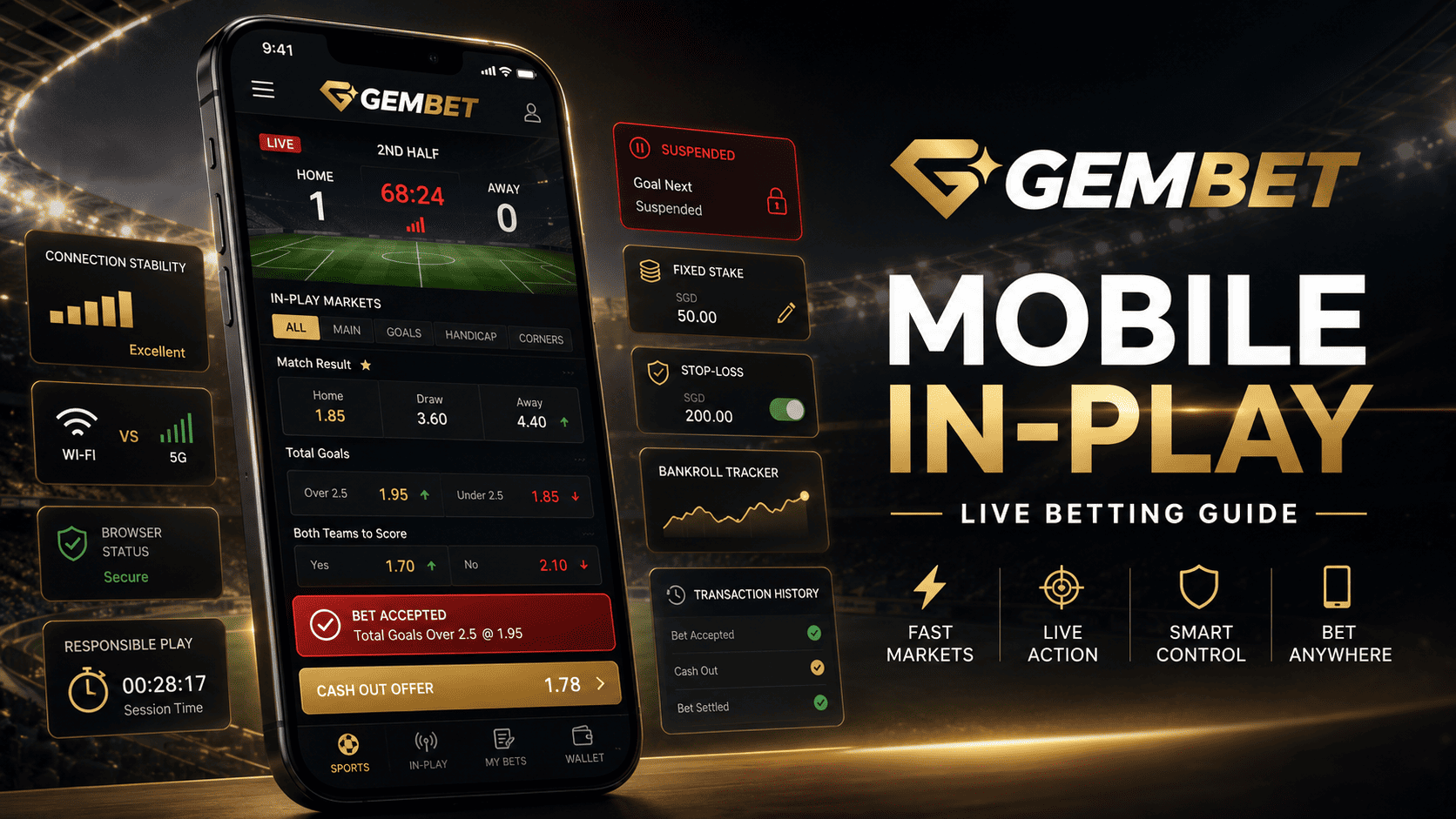
GemBet Singapore in-play betting moves faster than pre-match wagering because prices, markets, and match conditions can change within seconds. That speed does not create an automatic advantage over the operator. It makes connection stability, bet-slip review, and strict financial limits more important.
A stable mobile setup can reduce avoidable loading problems, but no phone, browser, or network can guarantee zero lag. Delay may come from the device, local network, internet route, platform server, odds provider, or video stream. Live broadcasts can also run behind the event, so the market may already have processed information that has not appeared on your screen.
This guide explains how to prepare a mobile browser, execute live wagers carefully, evaluate early settlement, and protect a bankroll without claiming that faster tapping produces guaranteed value.
GemBet Singapore Mobile Betting Setup at a Glance
| Area | Best Practice | Main Risk |
| Browser | Use a current full version of Safari or Chrome | An old or embedded browser may behave inconsistently |
| Connection | Choose the network with the most stable response | A strong signal icon does not guarantee low latency |
| Live bet slip | Recheck the selection, price, stake, and market | The odds can change or the market can suspend |
| Cash-out | Compare the offer with the full return and remaining risk | The offer may change, disappear, or fail |
| Session control | Set a fixed stake, stop-loss, and finishing time | Speed can increase total wagering |
1. Understand Where Mobile Delay Comes From
Lag is not the same as slow download speed. For in-play betting, response time matters because the device must send a request, receive an updated market, and confirm whether the price remains available.
Modern browsers can estimate connection quality using recently observed round-trip time and downlink performance. This is why a connection labeled 5G can sometimes feel less responsive than stable Wi-Fi. The network label alone does not reveal the complete user experience.
- Weak or congested Wi-Fi.
- Frequent switching between Wi-Fi and cellular data.
- A VPN, proxy, or filtering service.
- An outdated browser or operating system.
- A delayed television or internet broadcast.
- A suspended market after a major match event.
Official sportsbook rules warn that broadcasts described as live may be delayed and that in-play requests can take longer to process for operational reasons. Never assume the picture is synchronized with the trading system.
2. Use a Current Full Mobile Browser
Open GemBet Singapore through the current version of Safari on iPhone or Chrome on Android when those browsers work correctly on your device. Avoid using a social-media or messaging-app browser when it fails to load the full slip, refresh prices, or preserve the session reliably.
- Install available operating-system and browser updates.
- Open the verified website directly in the full browser.
- Confirm that required cookies and JavaScript are not blocked.
- Sign in before the mobile betting event begins.
- Open the event and review the live layout before wagering.
3. Choose Wi-Fi or 5G by Stability
Do not automatically switch to cellular data because several people are using home Wi-Fi. Test both networks before kickoff and use the one that loads markets consistently without repeated disconnections.
| Connection | What to Check |
| Home Wi-Fi | Router distance, congestion, and repeated buffering |
| Cellular data | Signal stability, data limits, and indoor coverage |
Once a GemBet Singapore betting session begins, avoid switching repeatedly between networks. A change can interrupt authentication, reload the page, or leave the status of a submitted request unclear.
4. Reduce Device Load Without Expecting Perfection
Closing an unused video stream, graphics-heavy game, or large group of tabs can help when a phone is under memory pressure. It does not improve the sportsbook server or guarantee lower lag.
- Charge the device before the match.
- Close unnecessary heavy applications.
- Keep enough free storage for normal operation.
- Avoid overheating the phone while charging and streaming.
- Keep one verified GemBet Singapore tab open.
5. Clear Site Data Only for Troubleshooting
Old site data can occasionally contribute to login loops or a broken betting page, but clearing the browser is not the first solution for every performance problem. It can remove cookies, permissions, and active sessions.
- Reload the page once.
- Close and reopen the browser.
- Restart the phone.
- Test the other stable network.
- Remove the affected site’s data only when necessary.
Apple confirms that clearing Safari history and website data also removes cookies and website permissions. Do this before the event, not while a live wager is awaiting confirmation.
6. Use a Two-Stage Process for Live Bets
The main risk in mobile in-play betting is confirming the wrong market, stake, selection, or updated odds because the match is moving quickly.
Build the Ticket
- Confirm the event and competition.
- Check whether the market covers the full match, first half, or next event.
- Read the current price and enter the fixed stake.
Review Before Confirmation
- Check whether the price changed.
- Confirm the maximum loss.
- Read any “accept odds changes” setting.
- Tap once and wait for an accepted or rejected status.
If the result is unclear, open the transaction history before trying again. Duplicate bets can occur when a user assumes the first request failed.
7. Do Not Chase a Suspended or Rejected Price
A live market may suspend after a goal, penalty, red card, video review, timeout, or other major event. It may reopen at a substantially different price.
Cash-out and in-play requests can fail when odds move before processing or the market becomes suspended. That is normal operational risk, not proof that the phone malfunctioned.
- Do not increase the stake.
- Read the new price.
- Recalculate whether the wager still fits the original reasoning.
- Check open tickets before resubmitting.
- Skip the market when the price is no longer acceptable.
Missing one line is safer than turning a controlled betting plan into an emotional chase.
8. Evaluate Cash-Out as a New Decision
If the current GemBet Singapore interface offers full or partial cash-out, treat the displayed amount as a new betting decision. It can settle an eligible wager early at a profit or loss, but availability and execution are not guaranteed.
Official sportsbook guidance explains that early settlement can close all or part of an eligible position. The offer changes with current conditions and can fail if the market suspends or the price moves.
| Question | Why It Matters |
| What was the original stake? | Shows whether the offer returns profit or part of the stake |
| What is the full potential return? | Shows how much upside is surrendered |
| What changed in the match? | Supports an updated probability estimate |
| How much risk remains? | Shows whether the position still fits the session budget |
There is no universal smart window between the 65th and 75th minute. A 70% or 80% offer is not automatically correct. The decision depends on the amount, current evidence, and remaining exposure.
9. Protect the Bankroll During Fast Betting
Fast markets can increase the number of decisions made in a short period. A bankroll plan should therefore be strict for live wagering.
- Set one total session amount.
- Use a fixed unit for individual wagers.
- Limit the number of open positions.
- Set a stop-loss below the full balance.
- Do not reload after a rejected price or late goal.
- Set a hard finishing time.
During a major tournament such as the FIFA World Cup 2026, several matches in one day can turn one planned session into continuous betting. Create one daily cap rather than treating every match as a new budget.
GemBet Singapore Live Mobile Decision Table
| Situation | Safer Response |
| Price changes before confirmation | Review the new odds instead of accepting automatically |
| Market suspends | Wait and do not jump immediately to another market |
| Page freezes after tapping | Check open tickets before retrying |
| Broadcast appears behind the market | Assume the market may have newer information |
| Connection switches networks | Stop submitting requests until the session stabilizes |
GemBet Singapore Mobile Betting Checklist
- Is the full browser and operating system current?
- Are you using the verified GemBet Singapore address?
- Is the network stable rather than merely showing a strong icon?
- Have unnecessary heavy applications been closed?
- Is the event stream potentially delayed?
- Did you verify the market period and selection?
- Is the stake within the fixed bankroll unit?
- Did the system confirm the request status?
- Have you checked open bets before submitting again?
- Will you stop at the financial or time limit?
Common GemBet Singapore In-Play Mistakes
Believing Zero Lag Is Possible
Every connection and processing path has some delay. The practical objective is stable, predictable performance.
Assuming 5G Is Always Better Than Wi-Fi
Measured response time and consistency matter more than the network label.
Using Cash-Out to Justify Larger Stakes
The feature can be suspended or unavailable. It should not replace a pre-set financial limit.
Legal Check Before GemBet Singapore Betting
Technical access does not establish legal authorization. Singapore’s Gambling Regulatory Authority states that Singapore Pools is the only operator licensed by GRA to provide remote gambling services and that participating in unlicensed remote gambling is unlawful. Confirm the current legal position before using GemBet Singapore.
Best Way to Optimize GemBet Singapore In-Play Betting
The best way to optimize GemBet Singapore in-play betting is to reduce avoidable technical friction while accepting that no setup removes all delay. Use a current full browser, choose the most stable network, and test the event page before kickoff.
For every live ticket, confirm the market, price, stake, and final status. Treat rejected prices, suspended markets, and early-settlement offers as reasons to reassess rather than react faster.
Protect the bankroll with a fixed unit, limited exposure, a stop-loss, and a hard ending time. The goal is not to place the fastest possible wager. It is to make fewer mistakes while the market is moving quickly.
Experience the real deal with SG's top Live Dealers. Play Baccarat, Roulette & more.

